
Prompt patterns: chain of thought
Chain of thought means asking the model to work in steps. In AshnaAI, prefer a spec plus tools over a long 'think step by step' paste.
AshnaAI
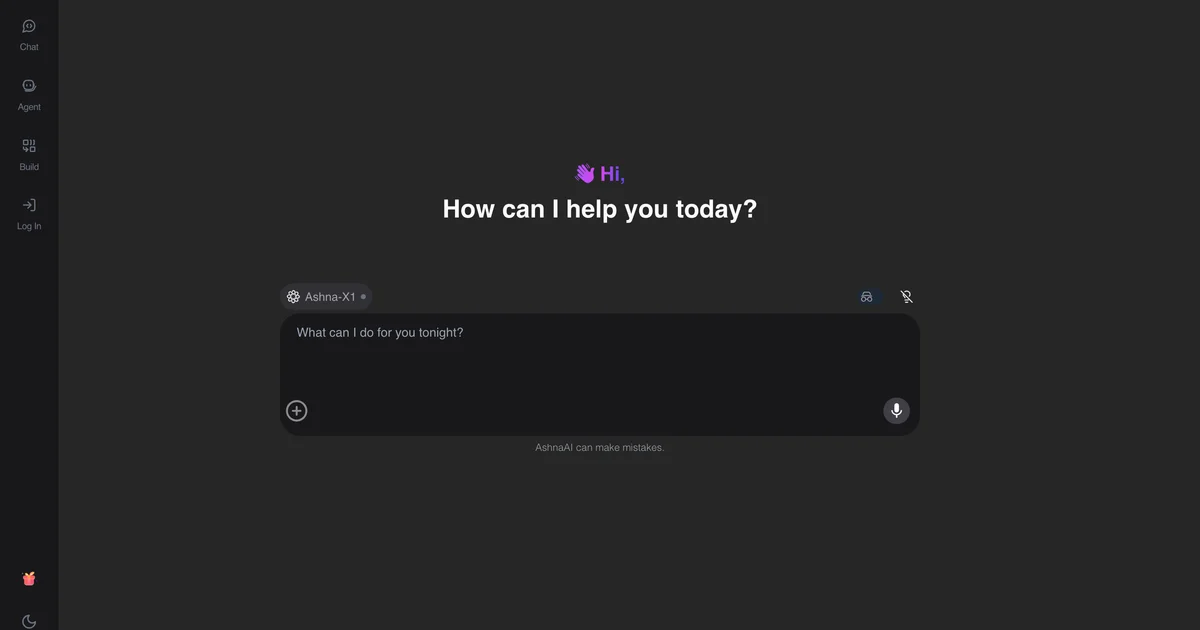
What you'll do
Chain of thought means asking the model to work in steps. In AshnaAI, prefer a spec plus tools over a long 'think step by step' paste.
This guide walks through chain of thought prompting in AshnaAI. You stay in chat. You do not need a separate desktop of buttons for each file job.
Before you start
Open AshnaAI and start a new chat.
How to chain of thought prompting
Follow the steps below in order. Confirm in chat before AshnaAI sends, posts, or writes to Tally.
Step 1. Read the definition
Chain of thought means asking the model to work in steps. In AshnaAI, prefer a spec plus tools over a long 'think step by step' paste.
Step 2. Open AshnaAI
Sign in at https://app.ashna.ai and start a chat, or open the agent builder.
Step 3. Try the job
For a multi-step job, create an agent instead of a longer prompt.
Step 4. What to expect
CoT does not grant tool access. Connectors still need OAuth.
Keep in mind
CoT does not grant tool access. Connectors still need OAuth.
Related guides
Also read create and use agents.
Also read prompt playbook support ops agents.
More AI glossary how-tos live on What is RAG, hallucination, and prompt engineering.
Try it now
Open app.ashna.ai and run this job in a new chat. New accounts can start from app.ashna.ai/signup.
Frequently asked questions
- What is chain of thought prompting?
- Chain of thought means asking the model to work in steps. In AshnaAI, prefer a spec plus tools over a long 'think step by step' paste.
- How does AshnaAI use this?
- Use steps for reasoning jobs.
- Do I need to train a model?
- Usually no. Prefer files, connectors, and a clear job over fine-tuning.
- Where is the glossary entry?
- Read https://www.ashna.ai/ai-glossary/chain-of-thought
- What should I do next?
- For a multi-step job, create an agent instead of a longer prompt.
Tags
Related
Try this in AshnaAI. Create a free account.
Found this article helpful? Share it with your network.