
Context windows explained
A context window is how much text a model can see at once. In AshnaAI, do not paste a 100-page PDF. Attach the file and retrieve.
AshnaAI
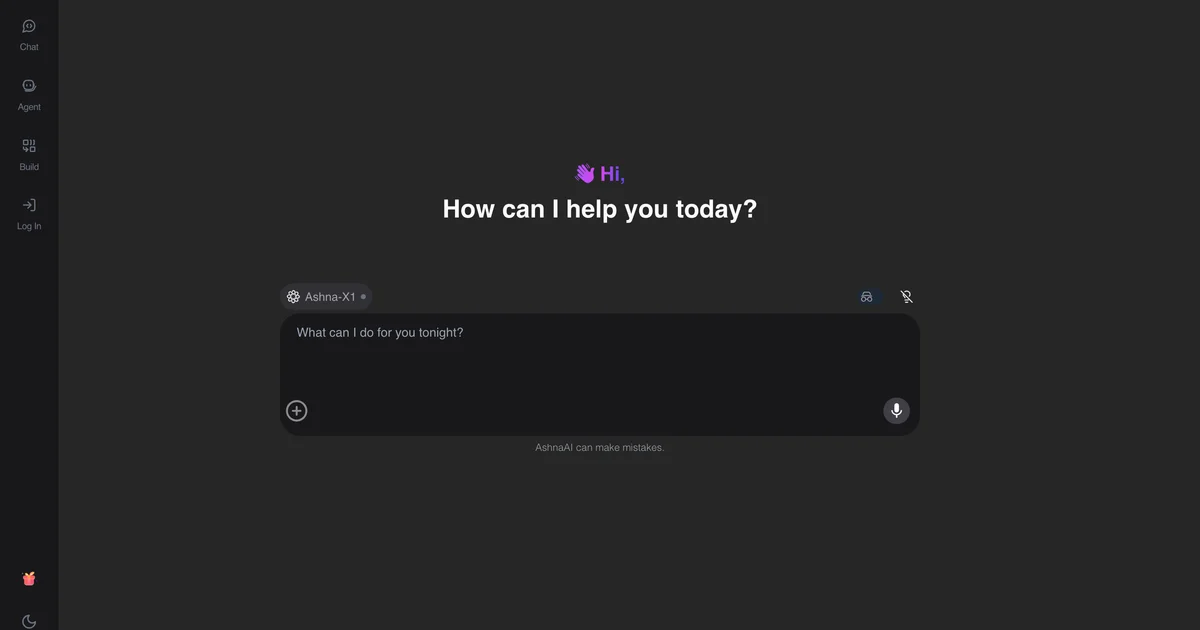
What you'll do
A context window is how much text a model can see at once. In AshnaAI, do not paste a 100-page PDF. Attach the file and retrieve.
This guide walks through what is a context window in AshnaAI. You stay in chat. You do not need a separate desktop of buttons for each file job.
Before you start
Open AshnaAI and start a new chat.
How to what is a context window
Follow the steps below in order. Confirm in chat before AshnaAI sends, posts, or writes to Tally.
Step 1. Read the definition
A context window is how much text a model can see at once. In AshnaAI, do not paste a 100-page PDF. Attach the file and retrieve.
Step 2. Open AshnaAI
Sign in at https://app.ashna.ai and start a chat, or open the agent builder.
Step 3. Try the job
Use chat-with-PDF instead of pasting the document.
Step 4. What to expect
Pinning a long-context model is not a substitute for retrieval on large corpora.
Keep in mind
Pinning a long-context model is not a substitute for retrieval on large corpora.
Related guides
Also read chat with a pdf.
Also read use ashna x1 instead of picking models yourself.
More AI glossary how-tos live on What is RAG, hallucination, and prompt engineering.
Try it now
Open app.ashna.ai and run this job in a new chat. New accounts can start from app.ashna.ai/signup.
Frequently asked questions
- What is what is a context window?
- A context window is how much text a model can see at once. In AshnaAI, do not paste a 100-page PDF. Attach the file and retrieve.
- How does AshnaAI use this?
- Attach files. Do not base64 a book.
- Do I need to train a model?
- Usually no. Prefer files, connectors, and a clear job over fine-tuning.
- Where is the glossary entry?
- Read https://www.ashna.ai/ai-glossary/context-window
- What should I do next?
- Use chat-with-PDF instead of pasting the document.
Tags
Related
Try this in AshnaAI. Create a free account.
Found this article helpful? Share it with your network.