
How to use Ashna-X1 instead of picking models yourself
Leave the model on Ashna-X1 for everyday agent work. Switch to a named GPT, Claude, or Gemini row only when you need that provider’s context window, reasoning control, or file behavior.
AshnaAI
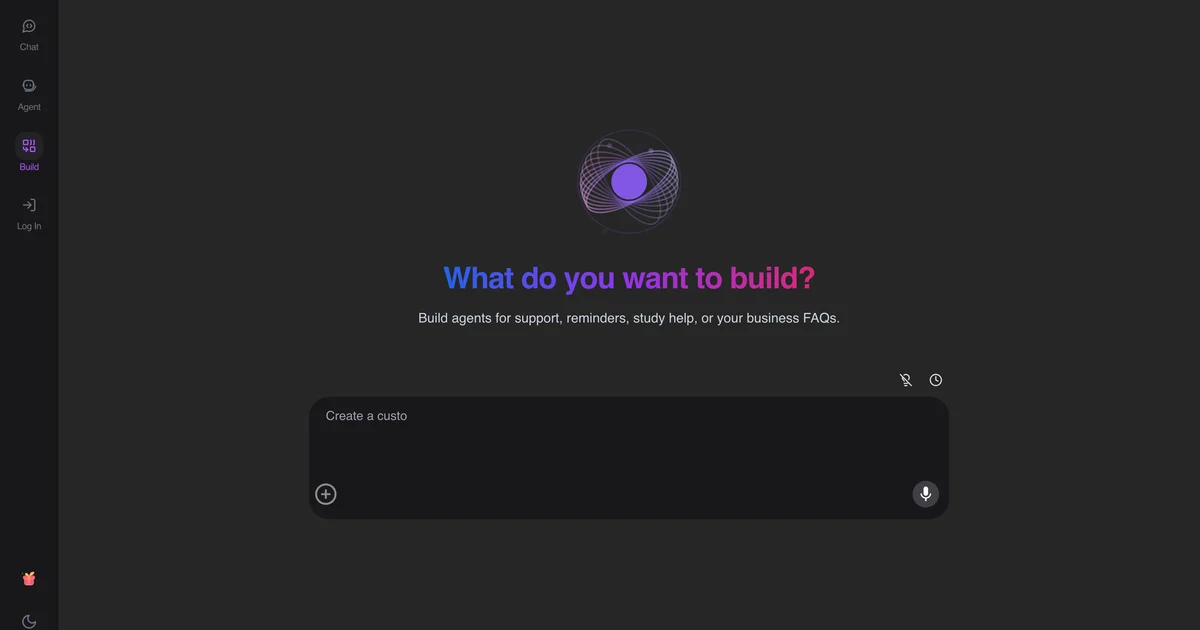
Stay on X1 by default
If you are building an agent, searching the web, or iterating on a spec, X1 is the intended starting point.
Pin a model on purpose
Pin Claude or GPT when a customer, a context-window need, or a reasoning setting requires it. Pinning without a reason adds vendor lock-in without a gain.
Match the job to a capability
Documents go through file grounding. Long-context analysis may need a 400k-class row. Live calls use telephony, not a model picker.
Try it now
Open AshnaAI and run this in a new chat. New accounts start at app.ashna.ai/signup.
Frequently asked questions
- Should I pick GPT or just use Ashna-X1?
- Use X1 unless you have a reason to pin a provider: required context size, a reasoning mode, or a vendor mandate.
- Is X1 cheaper than ChatGPT?
- Pricing belongs on the product billing page. This how-to is about when to stay on the default catalog row.
- Can X1 call tools?
- Yes. Tool calling, web search, and deep think are enabled on that row.
- Why did my PDF question fail on X1?
- PDF file query is off for X1. Upload the file and use the chat-with-file path.
- Where is the technical note?
- Read the Ashna-X1 task-aware routing research article and the ChatGPT/Claude compare pages.
Tags
Related
- AshnaAI vs ChatGPT
- AshnaAI vs Claude
- Large Language Model (LLM)
- Foundation Model
- how to chat with a pdf in ashna ai
- pin glm 5 3 flash for coding
- glm 5 3 flash vs gpt 5 6 terra
- glm 5 3 flash vs claude opus 5
- how to call any catalog model through the api
- cheapest coding ai vs claude opus 5 and gpt 5 6 sol
- reduce llm api cost 95 percent
- how the dynamic model router cuts ai cost
- claude code restrictions microsoft uber
- cheapest multi model ai api
- ashna x1 task aware model routing
Try this in AshnaAI. Create a free account.
Found this article helpful? Share it with your network.