
Tally balance sheet automation for CA firms
Year-end for a CA firm is not printing Tally’s Balance Sheet. It is rebuilding Excel, client after client, until a partner can sign. AshnaAI reads the open TallyPrime company and writes that Excel—so articles review exceptions instead of copying last year’s file.
AshnaAI
The year-end job Tally does not finish for you
Every CA firm already knows this split. TallyPrime has the books. The partner needs an Excel they can review, sign, and put in working papers. What sits in the middle, every March, is a person rebuilding that Excel by hand.
Tally’s own Balance Sheet is the right check on screen. It is the wrong deliverable. Clients, directors, and ROC working papers want a formatted pack: balance sheet, profit and loss, the headings that entity type requires. Last year’s workbook gets copied. Share capital gets left as last year. A ledger lands under the wrong head. The partner finds it late.
How AshnaAI solves that job
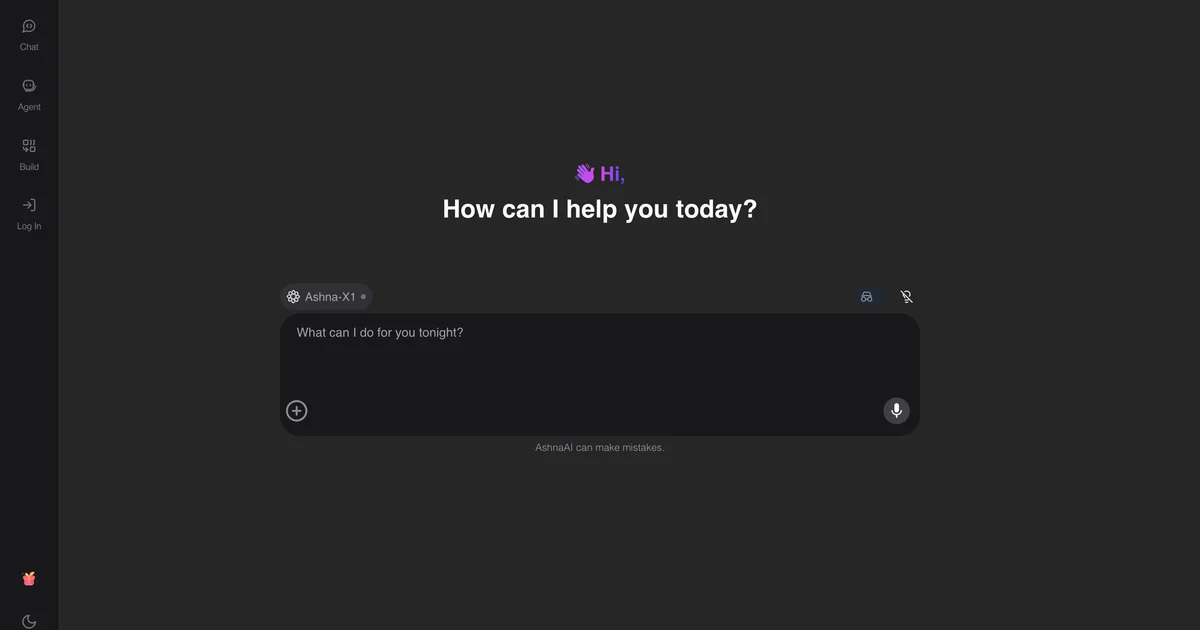
AshnaAI Desktop runs on the same computer as TallyPrime. You keep the company open. In chat you name the entity and the year, and ask for the balance sheet and profit-and-loss Excel.
AshnaAI reads those live books. It does not wait for a pasted trial balance. It writes the Excel in the layout that entity needs—Schedule III for companies, ICAI format for proprietorship, partnership, LLP, and trust. Optional detail you already know (authorised capital, issued shares, partner profit shares, a sign-off line) goes on the pack. The file is saved on that machine under Documents/AshnaAI/financial-statements.
If something cannot be mapped, it tells you. That list is the useful first result. A chatbot that invents a heading to “finish” the sheet is faster and wrong. Related filing-prep job: CA sign-ready ROC Excel from TallyPrime. GST still has to be in the books first: GST reconciliation software for Tally.
Why this is a game changer for CA firms
The constraint in a CA practice is not one balance sheet. It is forty. Each client used to consume an article’s evening: open last year’s Excel, pull Tally, map groups, check totals, hope nothing moved. That work does not scale when the firm takes more companies.
AshnaAI changes who does the rebuild. The article still reviews. The partner still signs. The layout, mapping, and first cross-check become one ask on the open company. Hours come back as review time, not as copy-paste time. Firms that already post GST and reconcile 2B on the same desktop do not switch tools at year-end—they stay in Tally automation.
| What the firm used to do | What AshnaAI does | What still stays with the CA |
|---|---|---|
| Copy last year’s Excel | Write this year’s pack from open Tally | Review the file |
| Guess the layout | Use the entity type you name | Confirm the entity is right |
| Find errors at partner review | List unmapped ledgers first | Map and sign |
| Hours per client | A chat ask plus exception review | Opinion and ROC filing |
A clean first ask on the next client
Open the company in TallyPrime. In AshnaAI Desktop ask: “Prepare the balance sheet and profit-and-loss Excel for this private limited company from 1 April 2025 to 31 March 2026.” Add authorised capital or partner shares if you have them. Do not ask it to “file my ROC” or “make the books look listed.” It can only write from the company that is open.
Compare that path with a chatbot paste or a plugin that only drafts inside Tally on AshnaAI vs TallyIra.
Run Tally balance sheet automation on the open company
Tally automation here means AshnaAI Desktop on the same computer as TallyPrime—not a plugin inside Tally, and not Tally’s Docs by Ira. Sign in at app.ashna.ai. New firms start at app.ashna.ai/signup. Ask for the Excel pack only after the company you mean is the one Tally has open.
Connector settings: Both, Yes, port 9000, company open. Reference: Tally connector. Hub: Tally automation.
Frequently asked questions
- What problem does Tally balance sheet automation solve?
- CA firms already have the numbers in TallyPrime. The slow part is turning those numbers into an Excel the partner can review and sign. AshnaAI writes that Excel from the open company instead of a junior rebuilding last year’s workbook.
- How does AshnaAI prepare financial statements from TallyPrime?
- AshnaAI Desktop sits on the same computer as TallyPrime, reads the open company, and writes a balance sheet and P&L Excel in ICAI or Schedule III layout. You still review and sign. It does not file MCA forms.
- Why is this a game changer for a CA firm?
- A firm with 40 year-end clients used to mean 40 Excel rebuilds. AshnaAI makes the pack a chat ask on the open company. Articles spend time on exceptions and the partner’s review, not on copying last year’s rows.
- Is this the same as TallyIra or Docs by Ira?
- No. Docs by Ira drafts text inside Tally. AshnaAI is a desktop app beside TallyPrime: it reads the live books and writes the Excel pack, posts GST after confirm, and reconciles returns. Compare AshnaAI vs TallyIra.
- Does it file ROC or sign the opinion?
- No. It writes the Excel. The CA still reviews, signs, and files. That split is the point: speed on the pack, judgment stays with the firm.
- Where do firms start?
- Download desktop from https://www.ashna.ai/download connect Tally, open the company, then ask for the balance sheet and P&L Excel.
Tags
Related
- AshnaAI for Accountants
- AshnaAI vs TallyIra / Docs by Ira
- Tally
- Human in the Loop
- Guardrails
- how to connect tallyprime to ashna ai
- how to post tally gst invoices in ashna ai
- how to create tally ledger mapping rules in ashna ai
- how to reconcile gst in tally with ashna ai
- how to audit tally books with ashna ai
- tally automation without a chatbot
- gst reconciliation software for tally
- tally roc ca sign ready excel
- tallyprime desktop bridge for gst and controlled writes
Try this in AshnaAI. Create a free account and install the desktop app when the workflow needs local access.
Found this article helpful? Share it with your network.