
CA sign-ready ROC Excel from TallyPrime
ROC filing still needs a partner’s signature. The grind is getting there: rebuilding Schedule III Excel from Tally, client after client. AshnaAI reads the open TallyPrime company and writes that Excel so the partner reviews a real pack, not last year’s copy.
AshnaAI
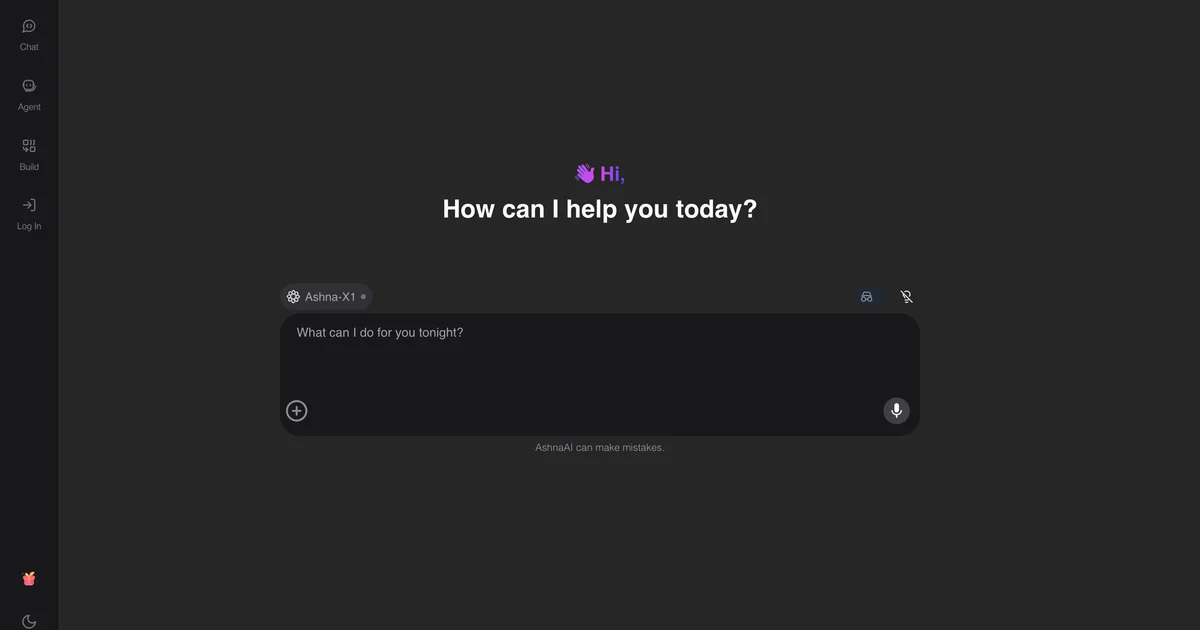
The ROC problem is not the portal. It is the Excel.
Ask a CA what slows ROC at year-end. It is rarely the MCA login. It is the pack that has to exist before anyone logs in: a balance sheet and profit-and-loss Excel the partner will put their membership number on.
TallyPrime already has the numbers. What the firm does next, for company after company, is rebuild Excel. Last year’s Schedule III file gets copied. Authorised capital stays as last year. A new ledger is parked under the wrong head because someone remembered the mapping, not because Tally said so. The partner finds it at review—not in Tally, in the spreadsheet.
Printing Tally’s Balance Sheet does not fix this. Pasting a trial balance into ChatGPT does not fix this. Those give you totals. They do not give you a file a partner can sign for ROC.
How AshnaAI turns the open Tally company into that Excel
AshnaAI Desktop installs on the same computer as TallyPrime. You open the company you mean. In chat you say what the entity is and which year you want, and you ask for the CA sign-ready balance sheet and P&L Excel.
AshnaAI reads the live books on that machine. Private limited and public limited companies get a Schedule III Excel. Proprietorship, partnership, LLP, and trust get the ICAI layout. If you already know authorised share capital, issued shares, partner profit shares, or the sign-off line (firm name, membership number, place, date), you add them once. The file is written on that computer under Documents/AshnaAI/financial-statements.
Then it tells you whether the pack is honest. If the sheet balances and capital and fixed assets check out, you have a draft the partner can review. If a ledger could not be placed, you get a needs-review list. That list is the feature. Inventing a heading so the file looks finished is how bad packs reach a signature.
- Live TallyPrime books—not a screenshot, not a paste into a chatbot.
- The right Excel layout because you named the entity, not because last year’s file is still open.
- Exceptions listed for the article. The partner reviews a pack, not a surprise.
Why the Tally balance sheet feature is a game changer for CA firms
A firm does not close one company in March. It closes a list. The old unit of work was “one article, one Excel, one night.” That is why year-end feels like a capacity wall even when Tally is already done. More clients meant more rebuilds, not more judgment.
AshnaAI changes the unit of work. The article still reviews. The partner still signs. The rebuild—layout, mapping, first checks—becomes a chat ask on the company that is open. Forty clients no longer means forty copied workbooks. It means forty reviews, with the messy ledgers already listed.
That is also why it is safer than “AI for Tally” in a browser. A general chatbot cannot see TallyPrime. A plugin that only drafts inside Tally does not write the ROC Excel. AshnaAI sits beside Tally, reads the books, and leaves the signature with you. The same desktop already posts GST and runs GST reconciliation. Year-end is not a new product. It is the next job on Tally automation. The category write-up is Tally balance sheet automation.
| Old year-end | With AshnaAI | Still the CA’s job |
|---|---|---|
| Copy last year’s Schedule III | Excel from this year’s open Tally | Confirm the entity and year |
| Hours of mapping per client | Ask in chat, then clear the exception list | Map anything still unclear |
| Errors found at 11 pm review | Unmapped ledgers shown before sign-off | Partner review and signature |
| Capacity = number of late nights | Capacity = number of reviews | MCA / AOC-4 filing on the portal |
How a firm runs this on the next company
Keep TallyPrime open on the company you will file for. In AshnaAI Desktop ask: “Prepare the CA sign-ready balance sheet and profit-and-loss Excel for this private limited company from 1 April 2025 to 31 March 2026, with authorised share capital and a sign-off block.”
Open the file. If it needs review, map those ledgers and ask again. If it is a sign-ready draft, the partner reviews and signs. You still file ROC on the MCA portal. Do not ask AshnaAI to file the form. That is not what this feature does—and that honesty is why a partner can trust the pack.
- Open the right TallyPrime company.
- Name the entity type and the year in chat.
- Ask for the CA sign-ready Excel.
- Clear any needs-review ledgers.
- Partner reviews and signs. You file on MCA.
What AshnaAI does not take off the CA’s plate
It does not upload AOC-4. It does not post closing entries. It does not replace a tax audit report or a signed opinion. Those stay with the firm on purpose. The game changer is the pack: the hours between “Tally is closed” and “the partner can sign.”
If the comparison you want is chatbot paste versus desktop books, read Tally automation without a chatbot and AshnaAI vs TallyIra.
Prepare CA sign-ready ROC Excel on the open company
Tally automation here means AshnaAI Desktop on the same computer as TallyPrime—not a plugin inside Tally, and not Tally’s Docs by Ira. Sign in at app.ashna.ai. New firms start at app.ashna.ai/signup. Ask for the pack only after the company you mean is the one Tally has open. If it lists ledgers to review, treat that as the honest first result.
Connector settings: Both, Yes, port 9000, company open. Reference: Tally connector. Hub: Tally automation.
Frequently asked questions
- What problem does CA sign-ready Excel from Tally solve?
- Tally already has the books. ROC and the partner need a formatted Excel, not a Tally print. AshnaAI writes that Excel from the open company so the firm stops rebuilding last year’s file for every client.
- How does AshnaAI prepare ROC financial statements from TallyPrime?
- AshnaAI Desktop sits next to TallyPrime, reads the open company, and writes a balance sheet and P&L Excel. Companies get Schedule III. Other entities get ICAI format. You review, the partner signs, you file on the MCA portal. AshnaAI does not upload AOC-4.
- Why is the Tally balance sheet feature a game changer for CAs?
- A practice does not have one year-end. It has dozens. Each pack used to be hours of Excel. AshnaAI turns that rebuild into a chat ask on the live books, and shows exceptions instead of hiding them in last year’s formulas. Capacity goes up. The signature still belongs to the CA.
- When should I not sign the pack yet?
- When AshnaAI lists ledgers it could not place, or when totals do not check out. That is a needs-review pack. Map those ledgers yourself. Do not treat a chatbot that “finished” the sheet as sign-ready.
- Is this the same as TallyIra or Docs by Ira?
- No. Docs by Ira drafts inside Tally. AshnaAI is a desktop app beside TallyPrime that writes the Excel pack from live books, and also posts GST and reconciles returns after you confirm.
- Where do firms start?
- Download desktop from https://www.ashna.ai/download connect Tally, open the company, name the entity type, then ask for the CA sign-ready Excel.
Tags
Related
- AshnaAI for Accountants
- AshnaAI vs TallyIra / Docs by Ira
- Tally
- Human in the Loop
- Guardrails
- how to connect tallyprime to ashna ai
- how to post tally gst invoices in ashna ai
- how to create tally ledger mapping rules in ashna ai
- how to reconcile gst in tally with ashna ai
- how to audit tally books with ashna ai
- tally automation without a chatbot
- tally balance sheet automation
- gst reconciliation software for tally
- tallyprime desktop bridge for gst and controlled writes
Try this in AshnaAI. Create a free account and install the desktop app when the workflow needs local access.
Found this article helpful? Share it with your network.