
AI PowerPoint generator for classroom and work
The market sells slide outlines and Office add-ins. Teachers and operators still rebuild the deck. AshnaAI is different because it researches the topic, plans slides, generates images, and exports PPT. The value is a finished classroom or work deck—Newton’s laws is a live example—not ten bullets to paste into Slides.
AshnaAI
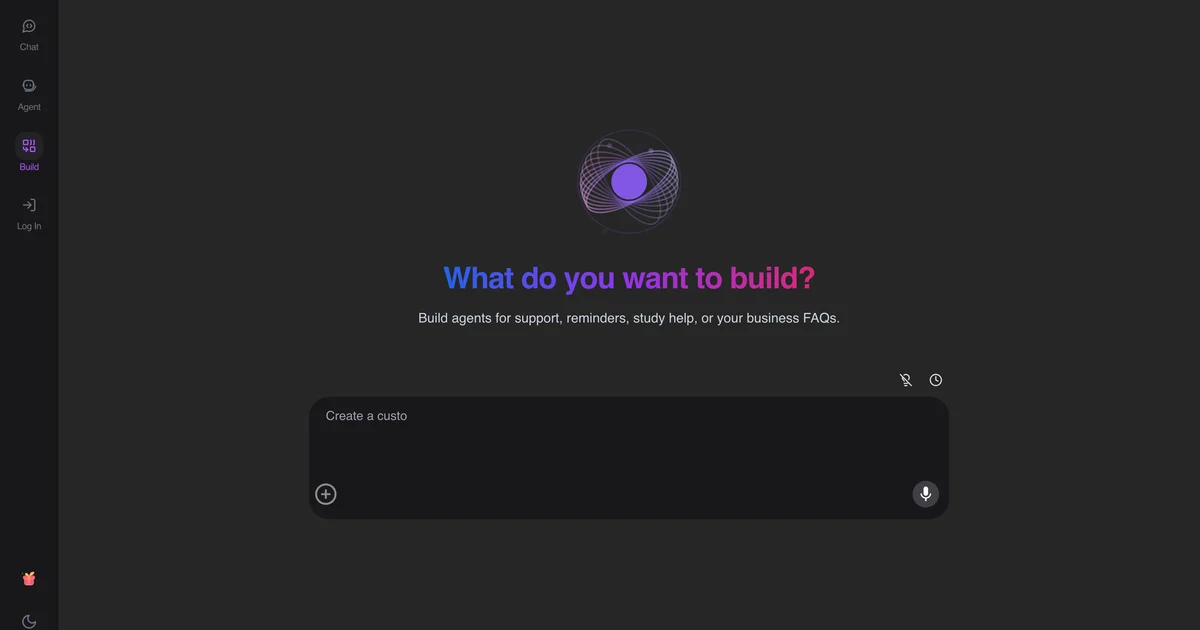
How the market ships “AI slides” today
Most products sell language. A chatbot prints an outline. Copilot inside Office drafts beside a file the user already opened. Gamma and similar tools start a theme. In every case the hard remainder is the same: research the topic, pick images that match the claim, and leave with a .pptx a class or a client can sit through.
That remainder is the job. If the user still rebuilds the deck, the product was a writing aid, not a PowerPoint generator.
How AshnaAI is different—and better
AshnaAI runs request analysis, research (context, search, compile), plan, images, then slide code. The user asks for a presentation with audience and slide count. The output is the artifact. An update path changes a section without burning the whole deck. That is better than an outline you paste, and different from an Office sidebar that assumes you already live in Microsoft 365.
| Need | Typical market | AshnaAI |
|---|---|---|
| Topic research | User or a second search tab | Pipeline stage before the plan |
| Images that match slides | Stock hunt | Generated in the same run |
| PPT / PDF file | Copy-out or a theme export | Artifact export |
| Fix three slides | New chat, new deck | Update orchestrator |
| Classroom proof | None | Live Newton PPT |
Value to the teacher or operator
A teacher gets a classroom deck without spending the evening in Slides. An operator gets a researched pack they can send. The proof is public: From Falling Apples to Motion. Sibling study leaves use the handwritten notes generator. Step-by-step: How to generate a PowerPoint.
Open this in AshnaAI
Ask for a presentation with audience and slide count. Open the Newton deck if you need a classroom proof. Start at app.ashna.ai/signup. Pin GLM-5.3-Flash for volume coding, or stay on Ashna-X1 for mixed work. Product API: Account → API.
Frequently asked questions
- How is an AI PowerPoint generator different from a chatbot?
- A chatbot writes bullets. The user still builds Slides. AshnaAI researches, plans, generates images, and exports PPT. That is the market gap.
- Why is AshnaAI better for classroom and work decks?
- The pipeline owns the artifact. Teachers get a deck they can present. Operators get a researched pack they can export. Copilot inside Microsoft 365 is a different buy if the firm already lives in Office.
- What value does the user get?
- Time back from layout and image hunting, a consistent slide plan, and a file—not a paste. A live example is the Newton’s laws classroom PPT.
- Can I edit without starting over?
- Yes. The update orchestrator revises an existing deck.
- Where do handwritten notes go?
- The classroom notes generator. Decks and notebook leaves are different artifacts.
- Where do I open it?
- Sign up at https://app.ashna.ai/signup and ask for a presentation. Newton example: https://app.ashna.ai/view/bTZjx7yvtNssuU-9JxDXC
Tags
Related
- AshnaAI for Work
- AshnaAI for Education
- AshnaAI vs Perplexity
- Generative AI
- Multi-Agent Orchestration
- how to generate a powerpoint with ashna ai
- claude code restrictions microsoft uber
- tally automation without a chatbot
- ai design and video generator
- cheapest multi model ai api
- ai classroom notes generator
- cheapest coding ai vs claude opus 5 and gpt 5 6 sol
- reduce llm api cost 95 percent
- how to call any catalog model through the api
- research to deck agentic presentation pipeline
Try this in AshnaAI. Create a free account.
Found this article helpful? Share it with your network.