
How to generate a PowerPoint
Ask AshnaAI for a deck, watch the pipeline move through research, plan, images, and slides, then edit without regenerating everything. Attach source files when the deck must follow your numbers.
AshnaAI
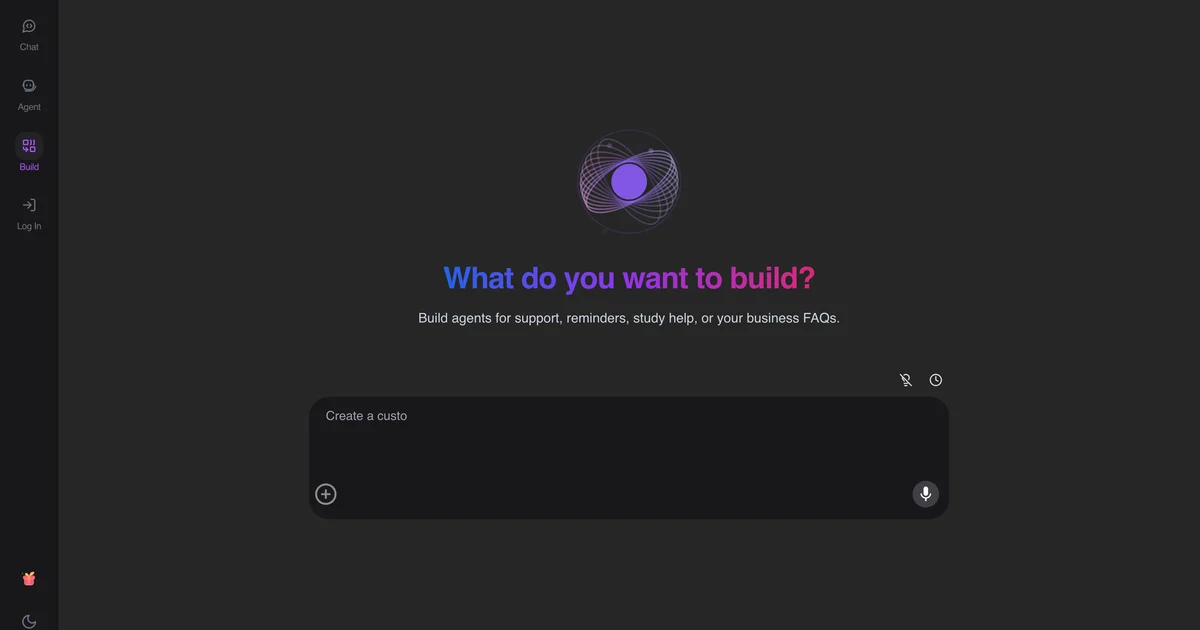
Ask for a presentation in chat
In AshnaAI chat, ask for a presentation or slides. Include who will see the deck, how many slides, and whether the source is the web, an attached file, or both. The product opens an infographic/presentation artifact and runs request analysis on those inputs.
Let the stages finish
You will see research (context, search, compile), then plan, images, and code. Judging the deck during search wastes time. Judging after compile is fair.
Edit in place, then export
Small changes should not recreate every slide. Ask to update the existing deck. When the slides look right, export PPT or PDF from the artifact export menu.
Try it now
Open AshnaAI and run this in a new chat. New accounts start at app.ashna.ai/signup.
Frequently asked questions
- How do I make a PowerPoint in AshnaAI?
- Start a presentation request with the topic, audience, and length. Let the pipeline finish research and planning, then review the streamed slides.
- Can I use my own PDF as the source?
- Yes. Attach the file first so research can use your context instead of only the web.
- How do I change three slides without rebuilding?
- Edit the existing deck so the update orchestrator runs. Do not create a second presentation.
- Does this export a .pptx?
- Yes. Open the presentation artifact and use the export control to download PPT. PDF export is also available from the same menu.
- Can AshnaAI design my website from the same flow?
- No. This pipeline is for presentations and infographics only.
Tags
Related
Try this in AshnaAI. Create a free account.
Found this article helpful? Share it with your network.