
How to post on X
Connect X (Twitter) and ask AshnaAI to post. Confirm the text before it goes public. Timeline and DMs are also available on the same connector.
AshnaAI
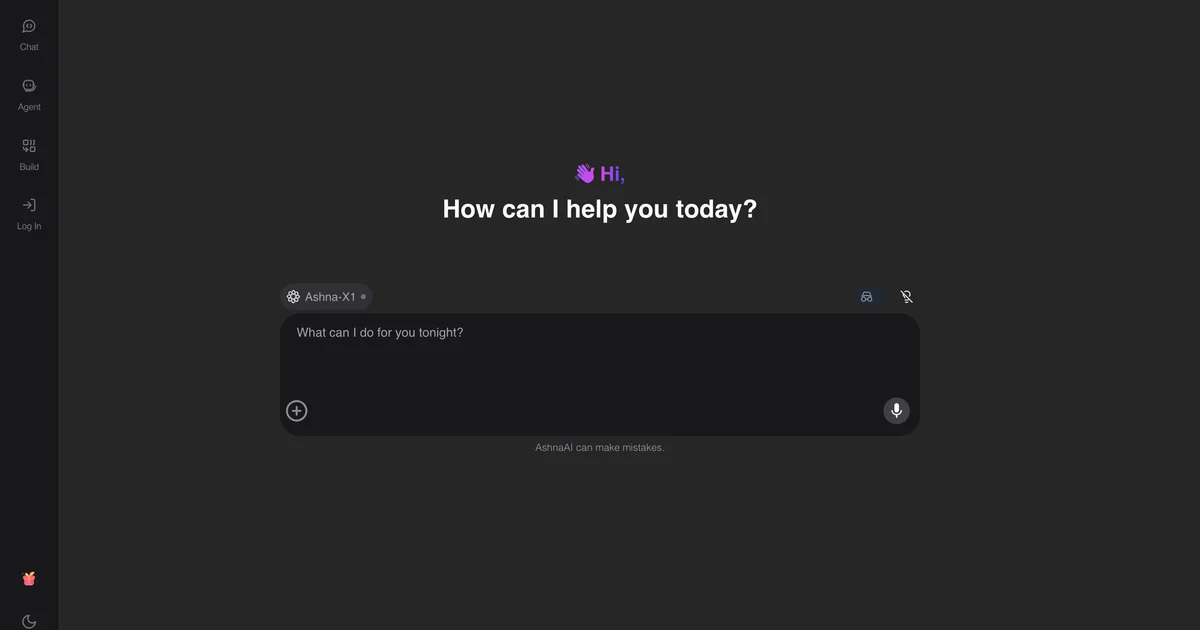
What you'll do
Connect X (Twitter) and ask AshnaAI to post. Confirm the text before it goes public. Timeline and DMs are also available on the same connector.
This guide walks through post on X in AshnaAI. You stay in chat. You do not need a separate desktop of buttons for each file job.
Before you start
Open AshnaAI and start a new chat.
Connect the account first. The setup steps are in this connector guide. Wait until it shows as connected.
How to post on X
Follow the steps below in order. Confirm in chat before AshnaAI sends, posts, or writes to Tally.
Step 1. Sign in
Open https://app.ashna.ai sign in, and start a new chat.
Step 2. Connect X
Open Integrations and connect X. Finish the provider sign-in and wait until the account shows as connected.
Step 3. Ask for the job
Ask: draft a short X post for this launch and wait for my confirm.
Step 4. Confirm writes
If the job sends, posts, or changes a record, confirm in chat before AshnaAI executes the write.
Keep in mind
This posts as the authorized account. It is not a growth-hacking bot farm.
Related guides
Also read post on linkedin.
Also read post on a facebook page.
More social how-tos live on Social media automation.
Try it now
Open app.ashna.ai and run this job in a new chat. New accounts can start from app.ashna.ai/signup.
Frequently asked questions
- Can AshnaAI post on x?
- Yes, after you connect X. Ask in chat at https://app.ashna.ai
- Do I connect X first?
- Yes. Follow https://www.ashna.ai/connectors/x if you still need to connect, then return to this guide.
- Will AshnaAI send or publish without asking?
- Writes wait for a task you start. Confirm in chat when the action leaves AshnaAI.
- Is this the same as ChatGPT browsing my account?
- No. AshnaAI uses the connector you authorized, with the permissions you granted.
- Can I put this on an agent?
- Yes. Attach the same connector to an agent after the chat path works.
Tags
Related
Try this in AshnaAI. Create a free account.
Found this article helpful? Share it with your network.