
How to create a PDF from markdown
Ask AshnaAI to create a PDF from markdown, HTML, or plain text. This is a document export, not a website builder.
AshnaAI
What you'll do
Ask AshnaAI to create a PDF from markdown, HTML, or plain text. This is a document export, not a website builder.
This guide walks through markdown to PDF in AshnaAI. You stay in chat. You do not need a separate desktop of buttons for each file job.
Before you start
Open AshnaAI and start a new chat.
Have your pdf file ready to attach, or use a file you already uploaded in this chat.
How to markdown to PDF
Follow the steps below in order. Confirm in chat before AshnaAI sends, posts, or writes to Tally.
Step 1. Open chat
Sign in at https://app.ashna.ai and start a new chat.
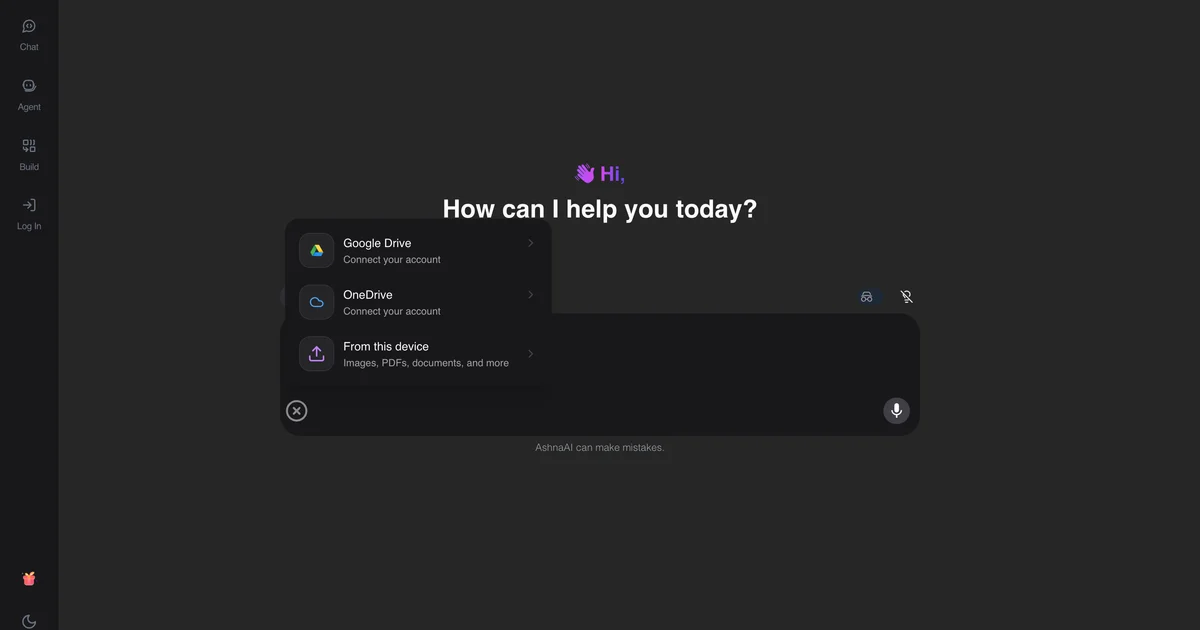
Step 2. Attach or point at the file
Paste the markdown or attach a .md file.
Step 3. Ask for the job
Ask: create a PDF from this markdown.
Step 4. Download the result
When AshnaAI finishes, download the file from the chat. That download is your new PDF.
Keep in mind
This creates a document PDF. It does not publish a website or a web app.
AshnaAI will not convert PDF to Word, PDF to Excel, or compress a PDF. Those jobs are not available. Use merge, split, unlock, protect, and the other how-tos linked below.
Related guides
Also read convert an image to pdf.
Also read generate a powerpoint with ashna ai.
More PDF how-tos live on PDF editor and converter.
Try it now
Open app.ashna.ai and run this job in a new chat. New accounts can start from app.ashna.ai/signup.
Frequently asked questions
- Can AshnaAI turn markdown into a PDF?
- Yes. Ask to create a PDF with contentType markdown.
- Can I use HTML?
- Yes. contentType html.
- Is this the presentation pipeline?
- No. Decks use the PowerPoint guide.
- Can I lock it in the same step?
- Use protectPdfWithPassword with the content options.
- Does this replace Word?
- It creates a PDF. For .docx see the Word guide.
Tags
Related
Try this in AshnaAI. Create a free account.
Found this article helpful? Share it with your network.