
How to merge PDFs
Attach two or more PDFs and ask AshnaAI to merge them. You get one downloadable PDF in the order you named. For large files, upload them in chat instead of pasting the file contents.
AshnaAI
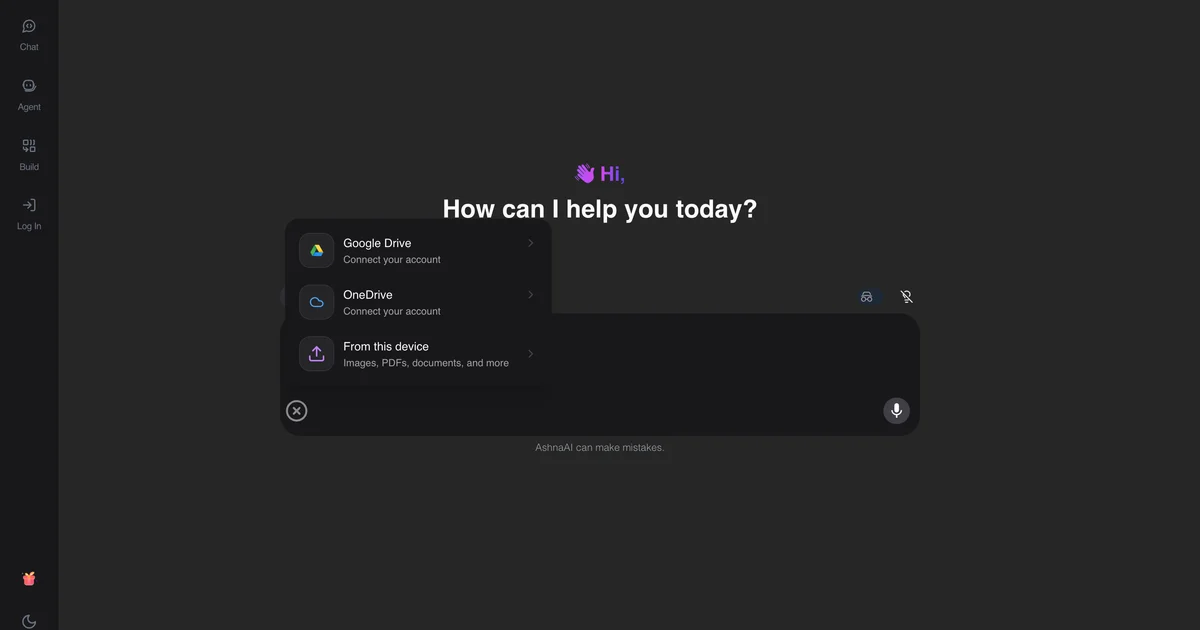
What you'll do
Attach two or more PDFs and ask AshnaAI to merge them. You get one downloadable PDF in the order you named. For large files, upload them in chat instead of pasting the file contents.
This guide walks through merge PDF in AshnaAI. You stay in chat. You do not need a separate desktop of buttons for each file job.
When merge PDF is the right job
Use merge when you already have complete PDFs and you want one download in a named order: signed pages plus terms, or three vendor invoices in one pack.
Do not use merge to invent a Word file. AshnaAI will not convert PDF to Word. Unlock a locked file first if chat cannot read it.
Order, passwords, and what you get back
Name the order in the same message. If you say nothing, AshnaAI uses attach order.
A password-protected file will not merge until you unlock it. The download is one new PDF. The originals stay as you attached them.
Before you start
Open AshnaAI and start a new chat.
Have your pdf file ready to attach, or use a file you already uploaded in this chat.
How to merge PDF
Follow the steps below in order. Confirm in chat before AshnaAI sends, posts, or writes to Tally.
Step 1. Open chat
Sign in at https://app.ashna.ai and start a new chat.
Step 2. Attach or point at the file
Upload every PDF you want in the pack, or reuse files already in this chat.
Step 3. Ask for the job
Ask: merge these PDFs in this order. Name the order if it matters.
Step 4. Download the result
When AshnaAI finishes, download the file from the chat. That download is your merged PDF.
Keep in mind
This merges whole files. It does not smart-split mixed document types the way iLovePDF Smart Split does.
AshnaAI will not convert PDF to Word, PDF to Excel, or compress a PDF. Those jobs are not available. Use merge, split, unlock, protect, and the other how-tos linked below.
Related guides
Also read split a pdf.
Also read unlock a password protected pdf.
More PDF how-tos live on PDF editor and converter.
Try it now
Open app.ashna.ai and run this job in a new chat. New accounts can start from app.ashna.ai/signup.
Frequently asked questions
- Can AshnaAI merge PDFs?
- Yes. Ask in chat after attaching the files. The merge action returns one PDF.
- Is there a page limit?
- Multi-page files including 100+ pages are supported when you pass URLs, not giant base64 payloads.
- Does merge unlock a password PDF?
- No. Unlock first with the unlock guide, then merge the unlocked file.
- Can I merge only some pages?
- Extract or delete pages first, then merge the resulting files.
- Is this the same as Smallpdf merge?
- Same job, different surface: AshnaAI does it in chat and can continue into an agent workflow.
Tags
Related
Try this in AshnaAI. Create a free account.
Found this article helpful? Share it with your network.