
How to send Outlook email
Connect Outlook with Microsoft sign-in, then ask AshnaAI to send mail. One OAuth covers mail and calendar. Confirm before send.
AshnaAI
What you'll do
Connect Outlook with Microsoft sign-in, then ask AshnaAI to send mail. One OAuth covers mail and calendar. Confirm before send.
This guide walks through send Outlook email in AshnaAI. You stay in chat. You do not need a separate desktop of buttons for each file job.
Before you start
Open AshnaAI and start a new chat.
Connect the account first. The setup steps are in this connector guide. Wait until it shows as connected.
How to send Outlook email
Follow the steps below in order. Confirm in chat before AshnaAI sends, posts, or writes to Tally.
Step 1. Sign in
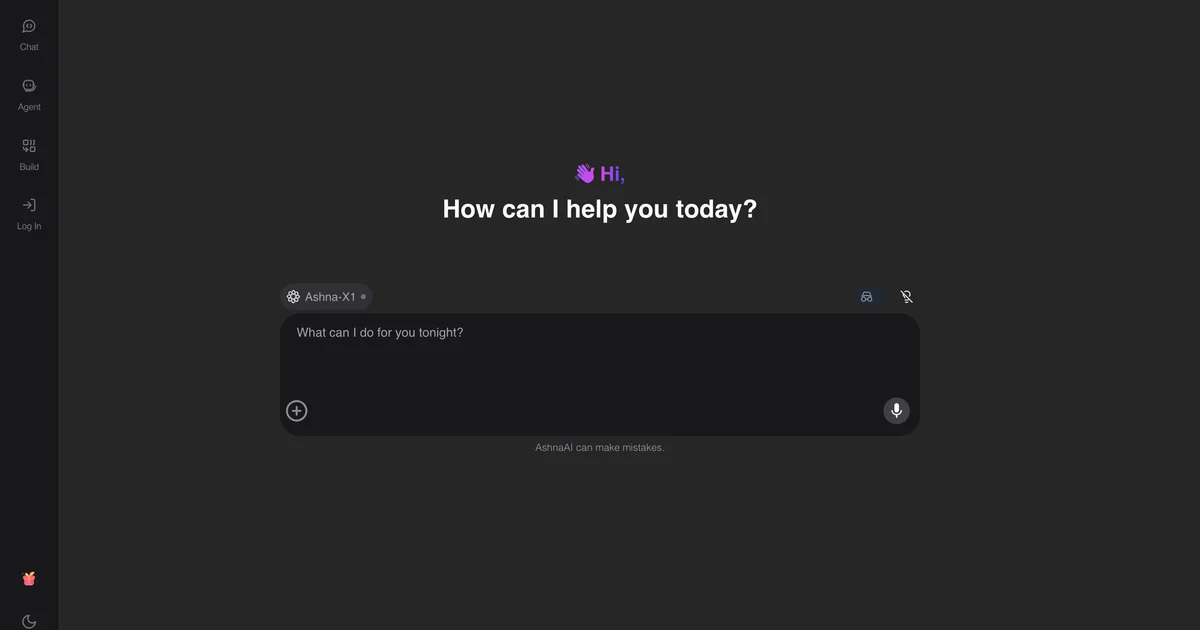
Open https://app.ashna.ai sign in, and start a new chat.
Step 2. Connect Outlook
Open Integrations and connect Outlook. Finish the provider sign-in and wait until the account shows as connected.
Step 3. Ask for the job
Ask: send this status update to the project alias and keep me on CC.
Step 4. Confirm writes
If the job sends, posts, or changes a record, confirm in chat before AshnaAI executes the write.
Keep in mind
OneDrive is a separate connector. This page is mail.
Related guides
Also read search outlook inbox.
Also read send an email with gmail.
More email how-tos live on Email automation.
Try it now
Open app.ashna.ai and run this job in a new chat. New accounts can start from app.ashna.ai/signup.
Frequently asked questions
- Can AshnaAI send outlook email?
- Yes, after you connect Outlook. Ask in chat at https://app.ashna.ai
- Do I connect Outlook first?
- Yes. Follow https://www.ashna.ai/connectors/outlook if you still need to connect, then return to this guide.
- Will AshnaAI send or publish without asking?
- Writes wait for a task you start. Confirm in chat when the action leaves AshnaAI.
- Is this the same as ChatGPT browsing my account?
- No. AshnaAI uses the connector you authorized, with the permissions you granted.
- Can I put this on an agent?
- Yes. Attach the same connector to an agent after the chat path works.
Tags
Related
Try this in AshnaAI. Create a free account.
Found this article helpful? Share it with your network.