
How to embed an AI agent on your website
Put the agent you already built on your website. Visitors ask questions, get help, and take the next step without leaving the page. AshnaAI does not rebuild your site.
AshnaAI
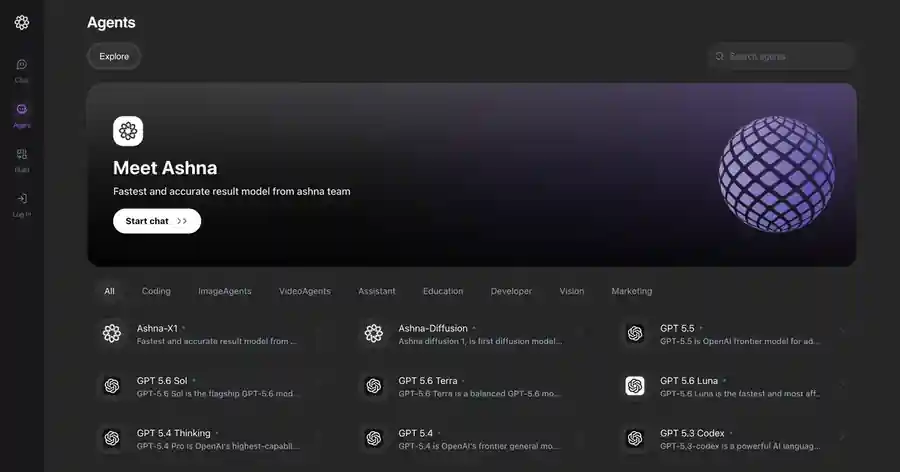
Why this belongs on your site
Your website already brings people in. Most of them leave with a question unasked: price, hours, admissions, a quote, the next form to fill. A form waits. A phone number goes quiet after hours. An email sits in a queue.
Embed puts the agent your team already trained on that page. A visitor asks in their own words and gets a path forward—book, buy, apply, or get support—without opening a new tab or waiting for someone to come online.
You keep the site you have. The button can match your brand: light or dark, your color, floating or along the side. Help shows up where the customer already is, at the moment they are ready to act.
Step 1: Open Embed on Website
Build and test the agent first. Use the create-and-use-agents guide if you do not have one yet.
In My Agents, open the agent menu and choose Embed on Website.
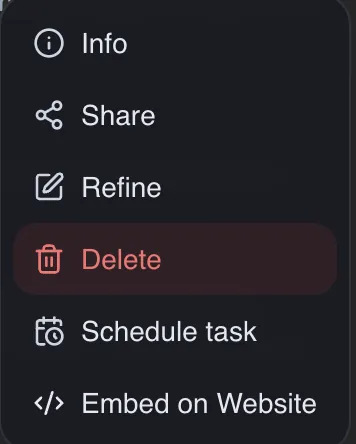
Step 2: Make it look like your site
Add the sites that may show the chat, for example mysite.com. Then set the look: popup or sidebar, light or dark, button color and shape. Preview desktop, tablet, and phone before you copy anything.
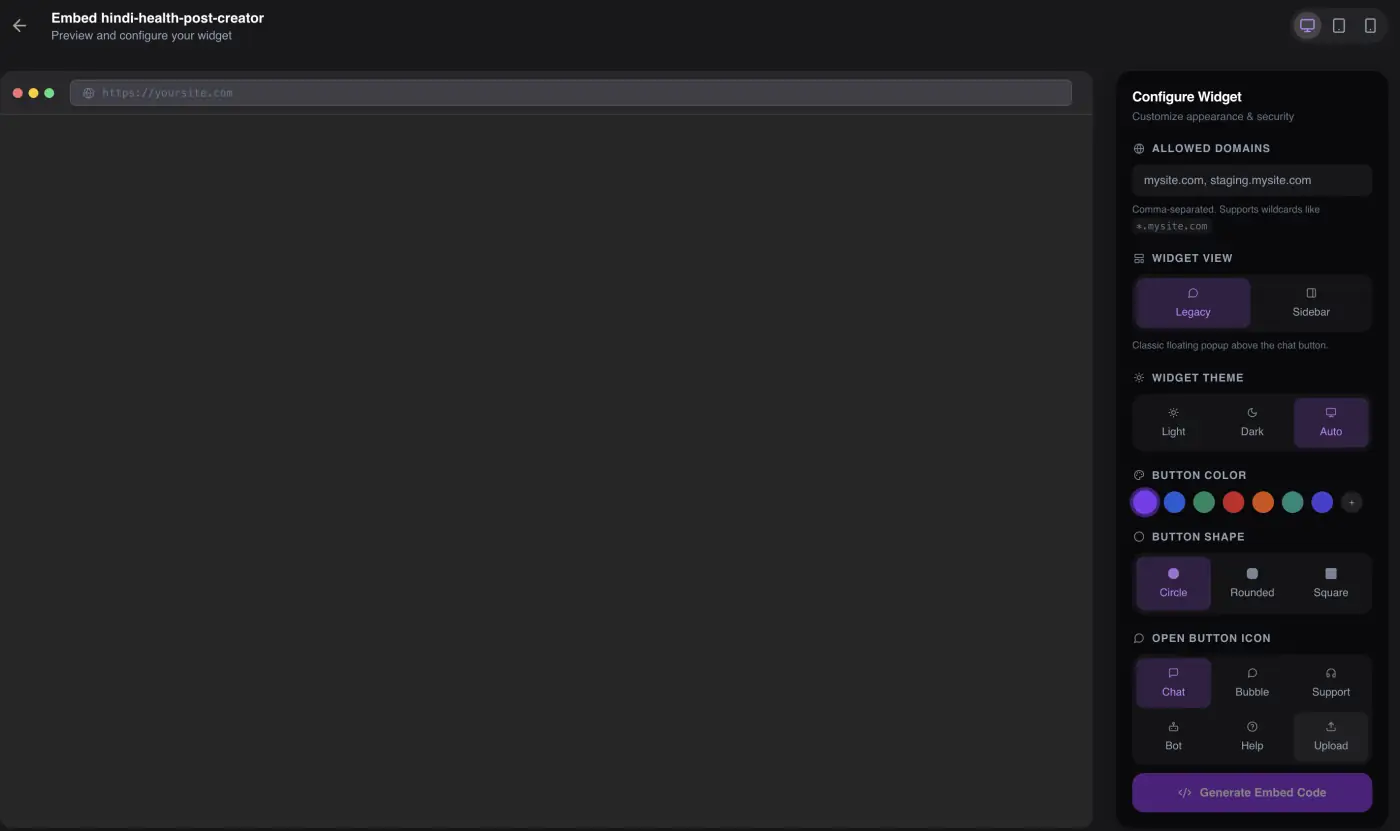
Step 3: Paste the code in the page head
Click Generate Embed Code and copy the script. Open the page you already host and put that script inside `<head>`. Replace the placeholders with the values you copied.
<!DOCTYPE html><html lang="en"> <head> <meta charset="utf-8" /> <title>Your page</title> <script src="https://app.ashna.ai/embed/agent-widget.js"//app.ashna.ai/embed/agent-widget.js" data-agent-id="YOUR_AGENT_ID" data-token="YOUR_EMBED_TOKEN" async ></script> </head> <body> <!-- Your existing page --> </body></html>Step 4: Check it live
Reload the page. A chat button should appear. Open it and ask what a real visitor would ask. If the button is missing, the site address does not match, or your builder removed the script.
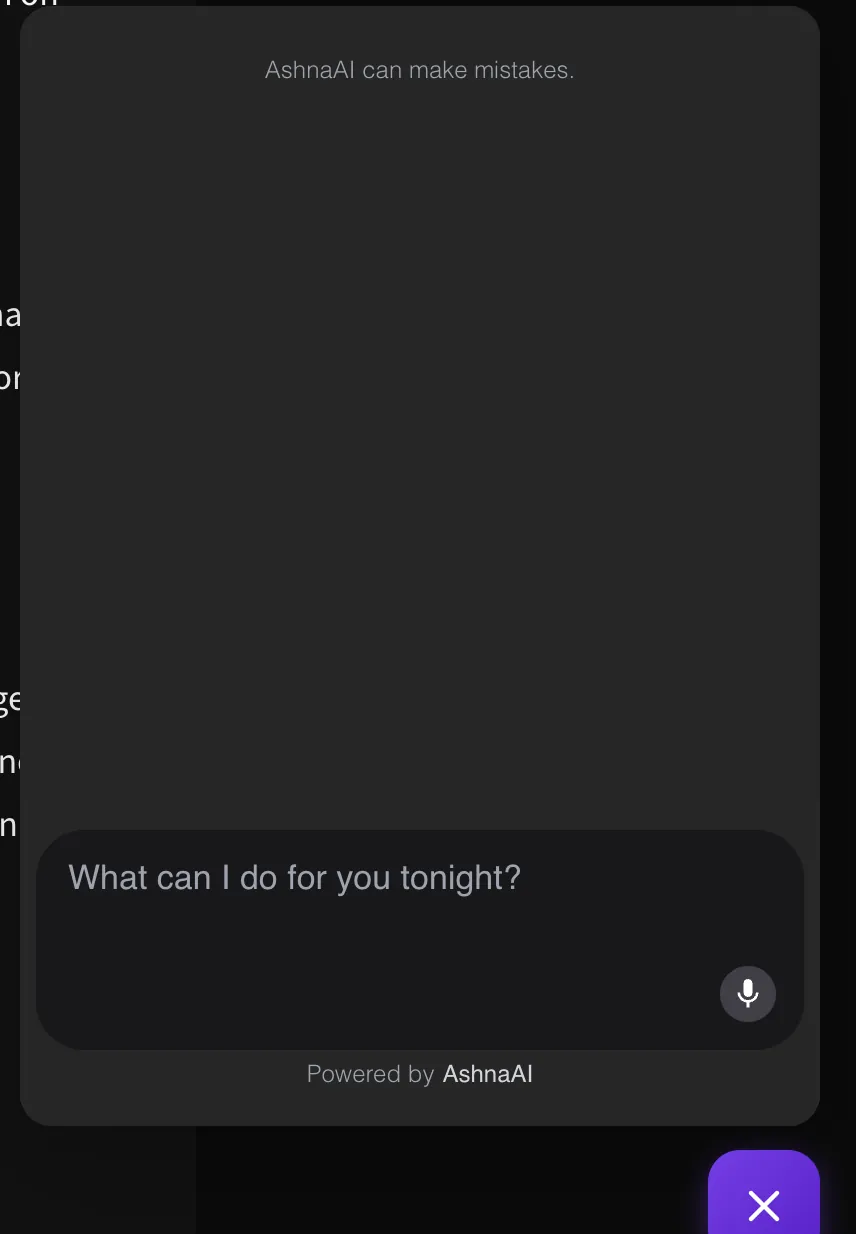
Try it now
Open AshnaAI and run this in a new chat. New accounts start at app.ashna.ai/signup.
Frequently asked questions
- How do I add this to my website?
- Create the agent, open Embed on Website, add your site address, click Generate Embed Code, and paste the script in your page <head>.
- Where do I paste the code?
- Inside the <head> of the page you already host. If your site builder removes scripts, put it in the theme or layout file.
- Will AshnaAI rebuild my website?
- No. You keep your site. The embed adds a chat button to a page you already have.
- Do I need a developer?
- Only to paste one script. There is no custom bot to commission and no new site to launch.
- Why does it ask for my website address?
- So the chat only runs on sites you own. Add your live domain, and a staging domain if you have one.
Tags
Related
Try this in AshnaAI. Create a free account.
Found this article helpful? Share it with your network.