
Guide
How to work with local files on desktop
Install the desktop app when the job needs files or apps on your machine. Tally, local documents, and the browser broker are desktop or extension paths. The website alone cannot see your disk.
AshnaAI
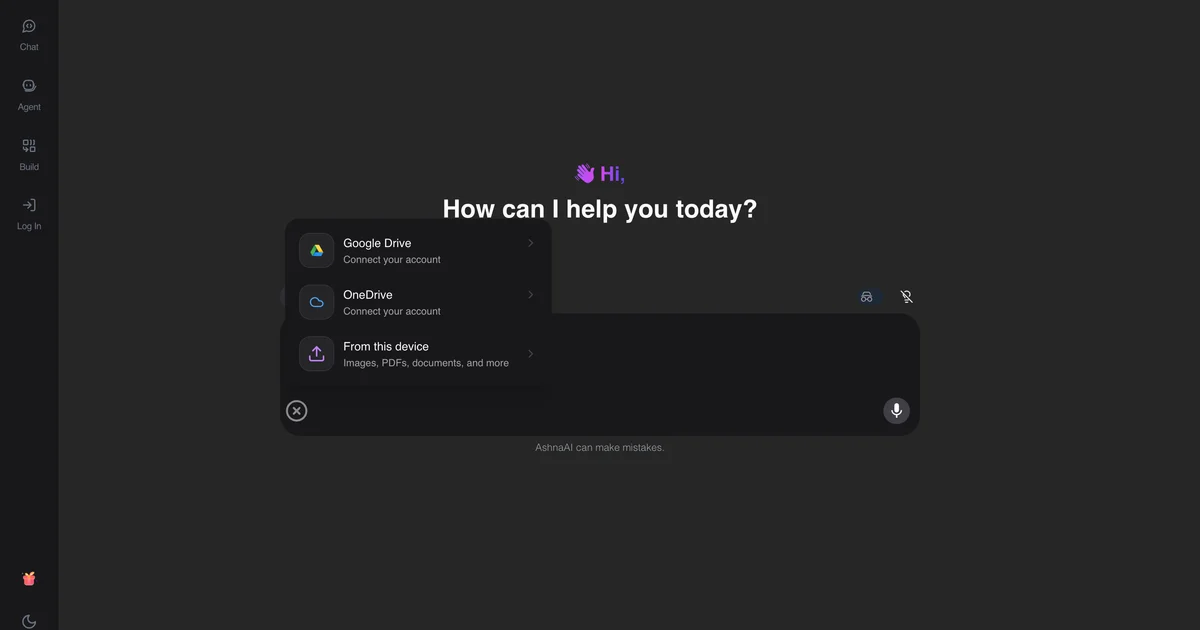
Install and sign in
Download the installer from ashna.ai/download. Sign in, then retry the chat that needed local access.
Pick the file path
Cloud upload is chat-with-file. On-disk work is desktop. Do not mix them in one mental model.
Tally and browser next
Tally has its own how-to. Browser control is covered in the client-side versus server RPA research note.
Try it now
Open AshnaAI and run this in a new chat. New accounts start at app.ashna.ai/signup.
Frequently asked questions
- When do I need the AshnaAI desktop app?
- When the agent must read local files, talk to TallyPrime, or use the desktop browser broker.
- Where do I download it?
- Download it from https://www.ashna.ai/download
- Can I stay in the browser for PDFs?
- Yes, if you upload the PDF to chat. That is not the same as a file that never leaves disk.
- Is desktop the same as the browser extension?
- The extension drives the browser. The desktop app also covers Tally and local files. Some jobs need both.
- Does desktop replace signup?
- No. Sign in with the same AshnaAI account after you install.
Tags
#desktop#how-to#files
Related
Try this in AshnaAI. Create a free account and install the desktop app when the workflow needs local access.
Found this article helpful? Share it with your network.